Run tests in parallel
Each worker can run several browser sessions at once. Set concurrency limits per browser and shard large suites across CI jobs.
Explore parallelismBuild and ship better web apps with end-to-end tests in real browsers. Compare screenshots and rewind to the step that failed.
Run Chrome, Firefox, Edge, and Safari on the platforms you support. Keep the same tests when you move from your laptop to a CI grid or a real phone.
Explore browser environmentsgridUrl: process.env.GRID_URLStep through the catalogue test from the report. Each command runs against the page your users see.
it("opens Saturn’s field notes", async ({ browser }) => {
    await browser.url("/");
    await browser.$('[data-planet="Saturn"]').click();

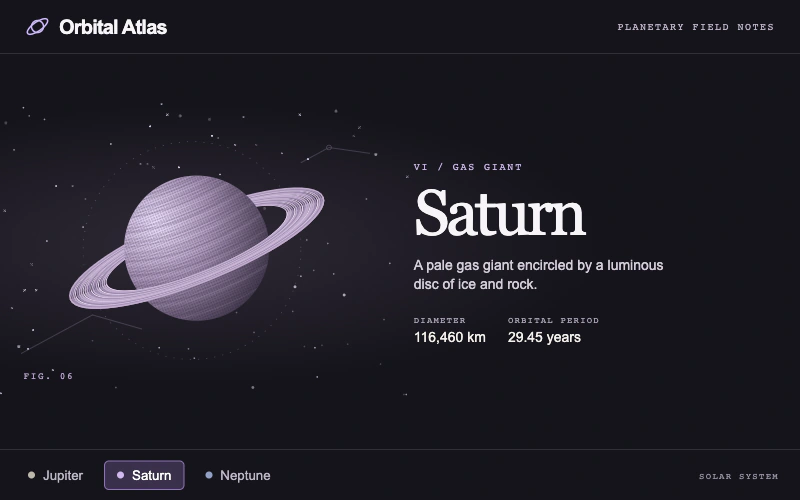
    await expect(browser.$("h1")).toHaveText("Saturn");
    await browser.assertView("saturn-field-notes", "#catalogue");
});

Selectivity records which Node.js modules each test loads and which source files it executes in the browser. Choose the files that changed to see which tests run next.
Explore SelectivityEach worker can run several browser sessions at once. Set concurrency limits per browser and shard large suites across CI jobs.
Explore parallelism

Click the image to circle the change
Compare an element or the whole viewport against a reference screenshot with assertView. Ignore dynamic regions, review changed pixels, and approve new references in Testplane UI.
Pick a point on the timeline. Time travel records DOM snapshots so you can inspect the browser at each step.
Explore Time TravelGive your agent a real browser and a compact DOM snapshot. It can try a selector, read the equivalent Testplane code, or investigate a failed run straight from its HTML report.
Explore Testplane CLInpx @testplane/cli navigate http://localhost:3000npx @testplane/cli snapshotnpx @testplane/cli click '[data-planet=Saturn]'await browser.$("[data-planet=Saturn]").click();